
Layout Options
Here we will see all the Layout Options that you can do in the Blogger Theme Designer.
NOTE: To see the changes you made in the Layout Options you should save and refresh.
Header Layouts
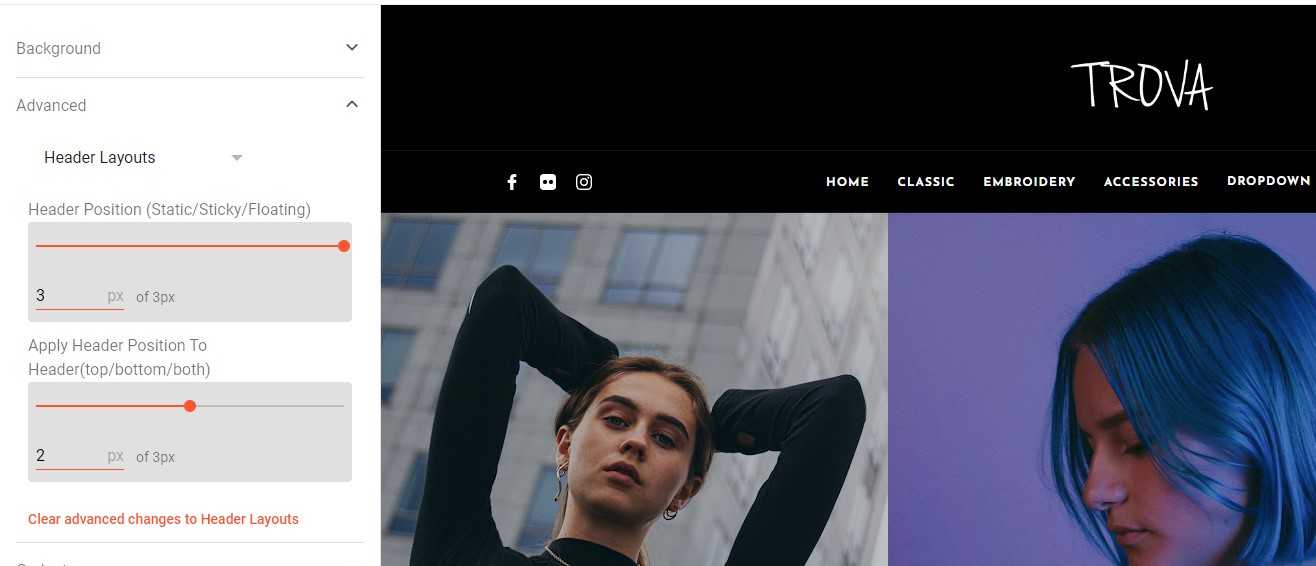 This tab contains the options for the header
Header Position
This option lets you change the position of the header and has 3 options:
- 1: Static (normal)
- 2: Sticky (fixed to top)
- 3: Floating (appears on scroll up)
Apply Header Position To Header(top/bottom/both)
This option lets specify the part of the header you want to apply the position chosen above. There are three options:
- 1: Top Header
- 1: Bottom Header
- 1: Both Top and Bottom Headers
Posts Summary Layout
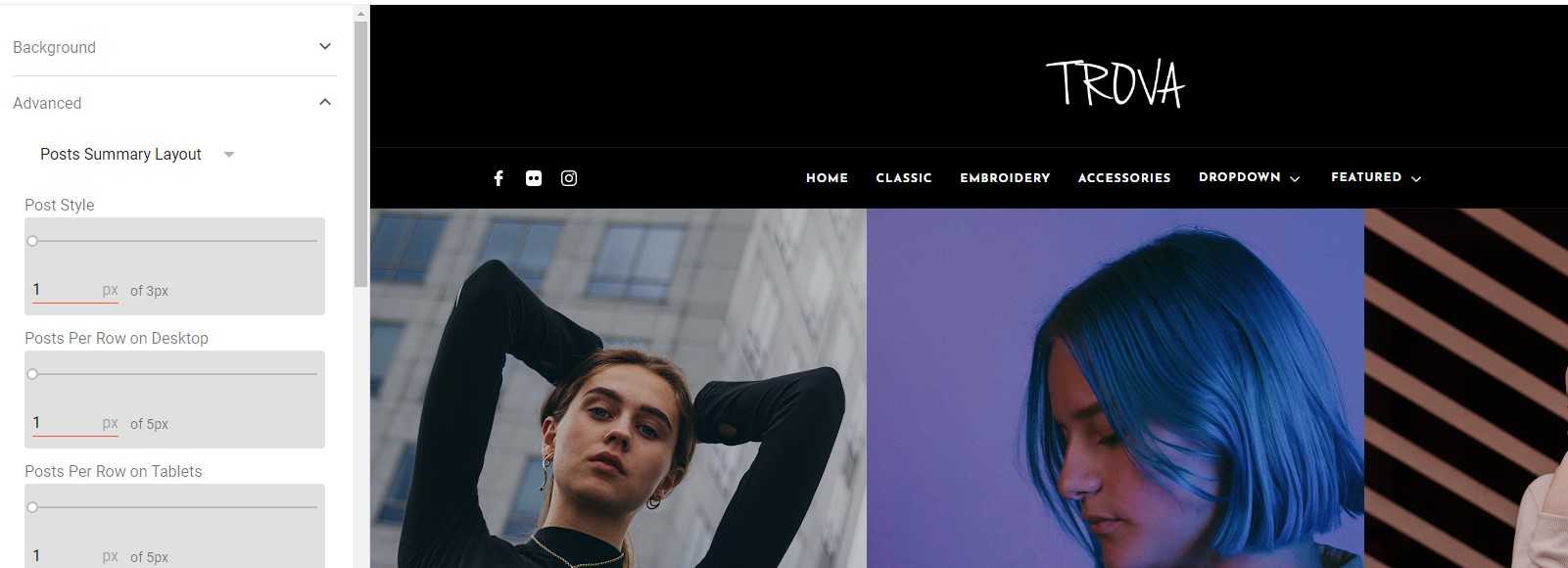 This tab contains the options for post summary on the home/search page
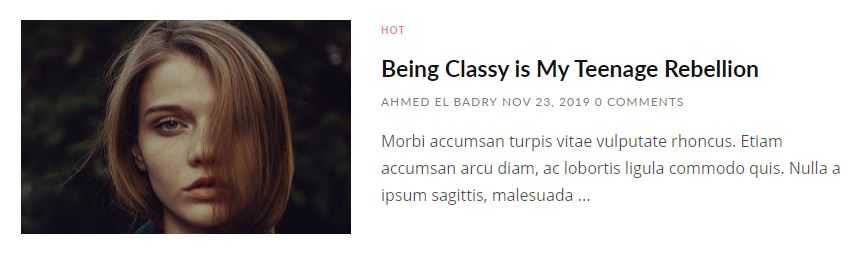
Post Style
This option lets you choose the style of posts and has 3 options:
- 1:
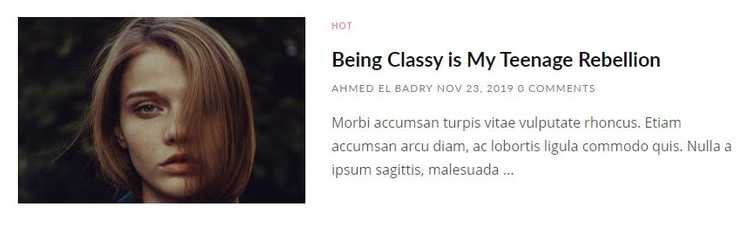
- 2:
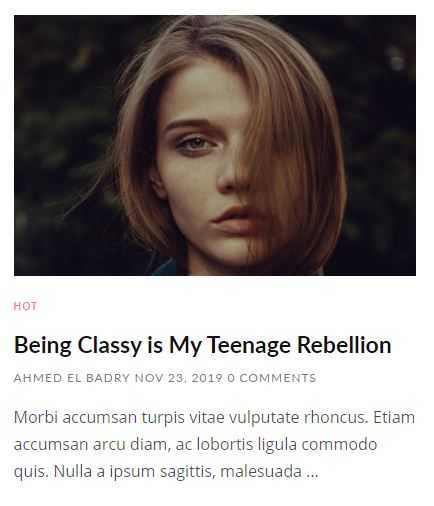
- 3:

Posts Per Row on Desktop
This option lets you determine the number of posts per row on a desktop.
Posts Per Row on Tablets
This option lets you determine the number of posts per row on tablets.
Posts Per Row on Mobiles
This option lets you determine the number of posts per row on mobile.
Post Image Height(Small/Large/Extra Large/Original)
This option lets you change the height of posts image and has 4 options:
- 1: Small
- 2: Large
- 3: Extra large
- 4: Original (masonry style)
Post Center Content Vertically
This option lets you center the contents of the post vertically (if possible) and has 2 options:
- 0: None
- 1: Center vertically
Post Center Content Horizontally
This option lets you center the contents of the post horizontally (if possible) and has 2 options:
- 0: None
- 1: Center horizontally
Post Margin Top and Bottom
This option lets you specify the spacing between posts vertically.
Post Margin Right and Left
This option lets you specify the spacing between posts horizontally.
Regular Pager / Load More
This option lets you choose the style of blog pager and has 2 options:
- 1:

- 2:


Hide/Show Options
Hide/Show Post Label
Hide/Show Post Author
Hide/Show Post Time
Hide/Show Post Comments Number
Hide/Show Post Reactions
Hide/Show Post Summary
All Hide/Show options are either to hide or show something:
- 0: Hide
- 1: Show
Single Post Layout
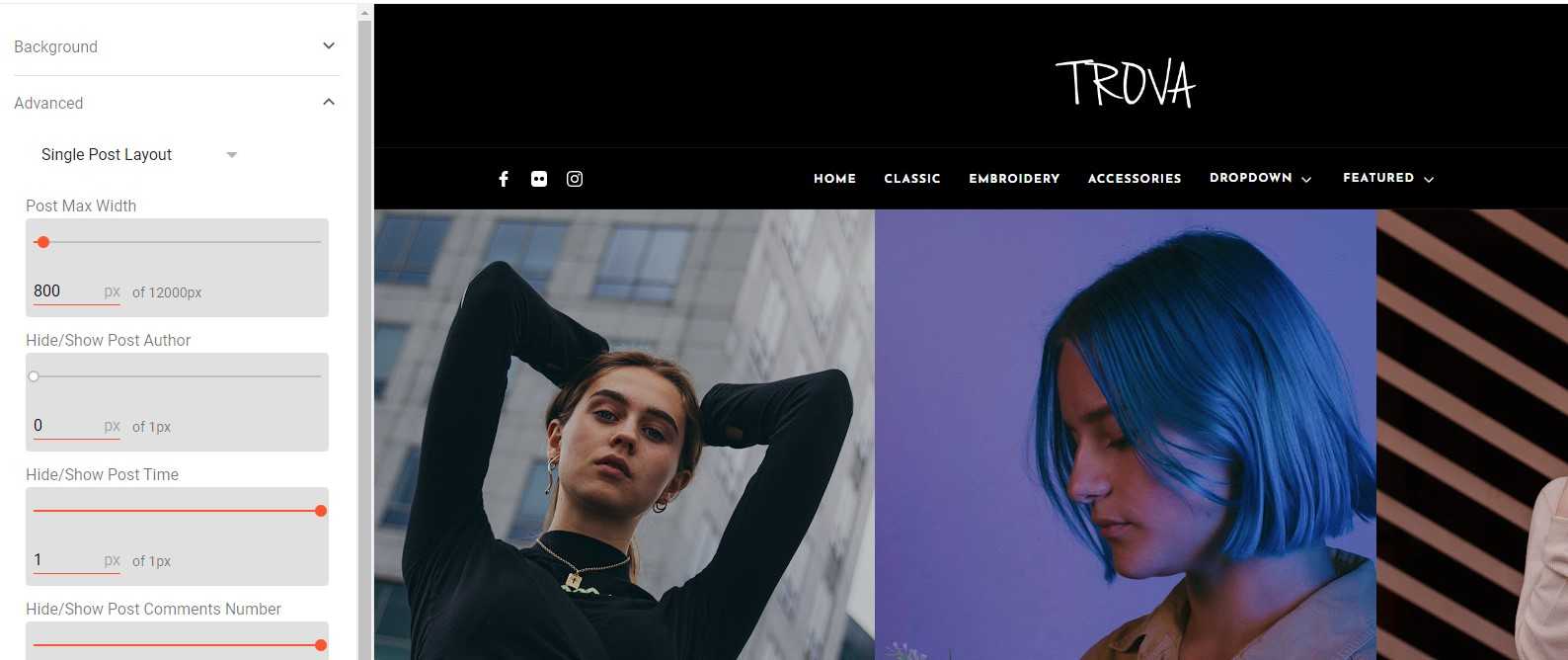 This tab contains the options for a single post page.
Post Max Width
This option specifies the max-width post can take.
Hide/Show Options
Hide/Show Post Author
Hide/Show Post Time
Hide/Show Post Comments Number
All Hide/Show options are either to hide or show something:
- 0: Hide
- 1: Show
Sidebar Layout
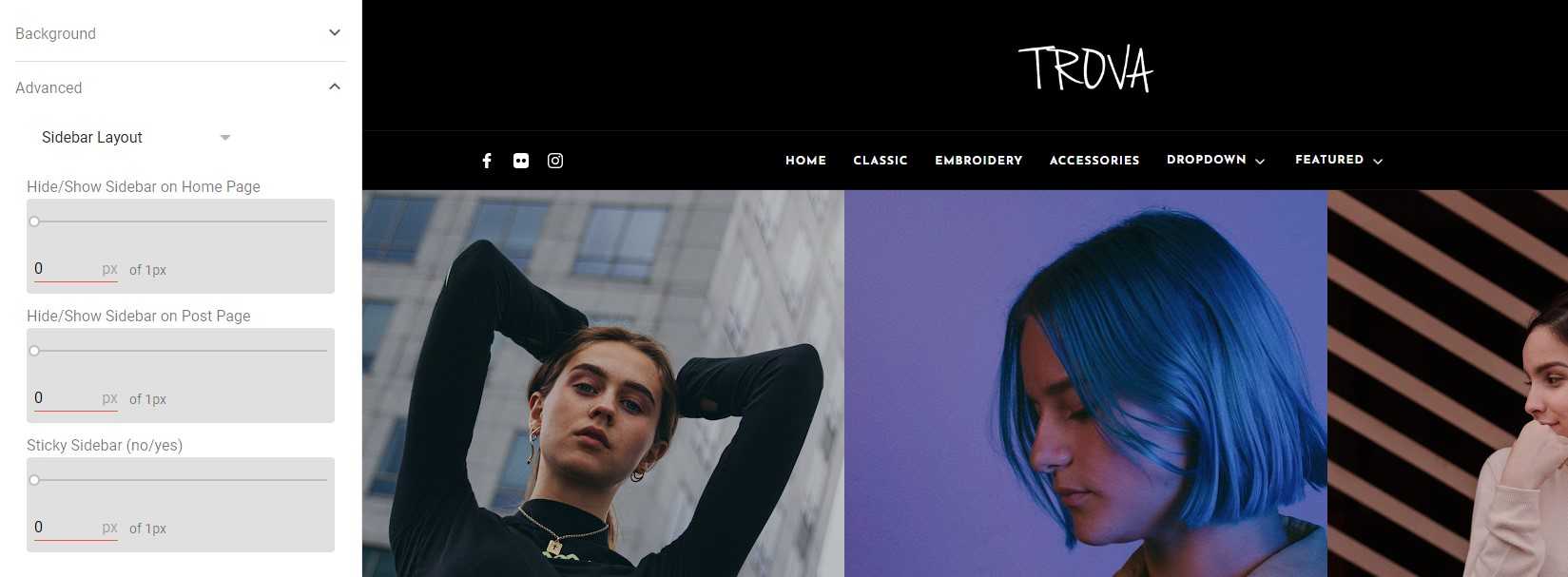 This tab contains the options for the sidebar.
Show/hide Sidebar on Home Page
This option lets you choose to hide or show the sidebar on the home page.
- 0: Hide
- 1: Show
Show/hide Sidebar on Post Page
This option lets you choose to hide or show the sidebar on the post page.
- 0: Hide
- 1: Show
Footer Layout
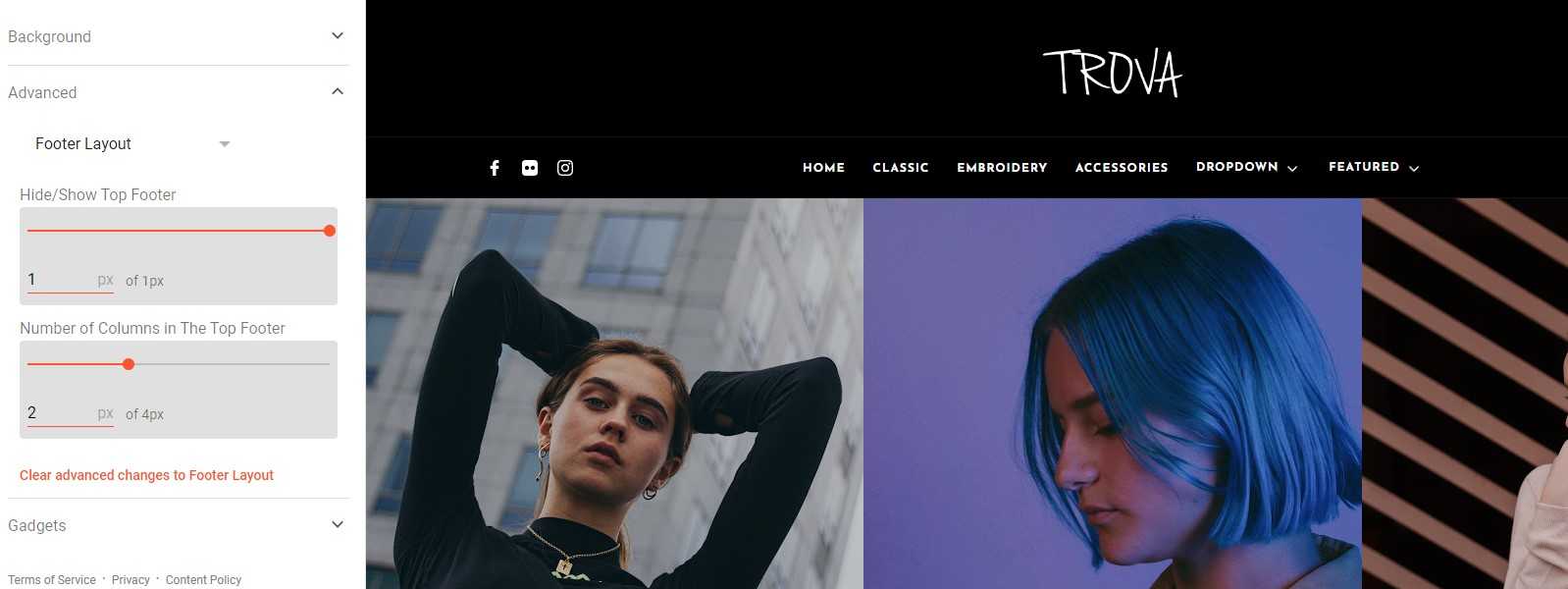 This tab contains the options for the Footer.
Hide/Show Top Footer
This option lets you choose to hide or show the top footer.
- 0: Hide
- 1: Show
Number of Columns in The Top Footer
This option lets you choose the number of columns in the top footer.
Popular Posts Layouts
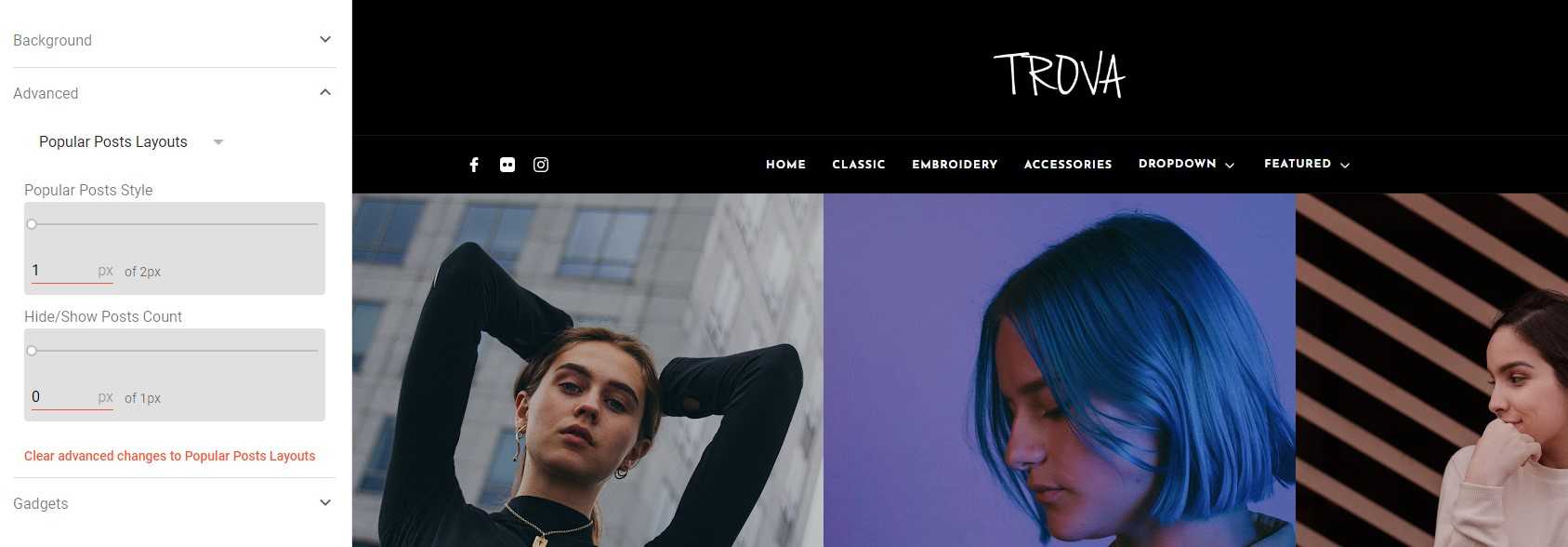 This tab contains the options for popular posts.
Popular Posts Style
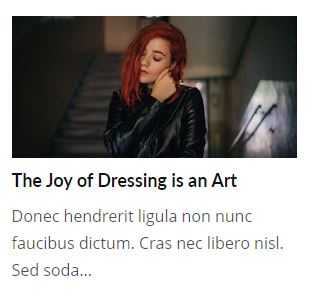
This option lets you choose the style of popular posts and has 2 options:
- 1:
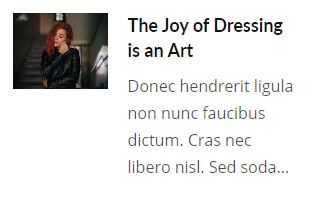
- 2:
Hide/Show Posts Count
This option lets you choose to hide or show the count on the posts.
- 0: Hide
- 1: Show