
Add Your Social Media Buttons
watch video ▶
- Go to the Social Media Buttons Builder.
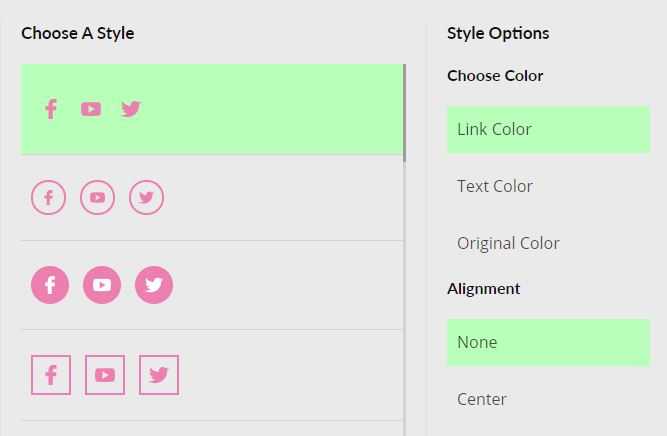
- Choose the style of buttons you like.
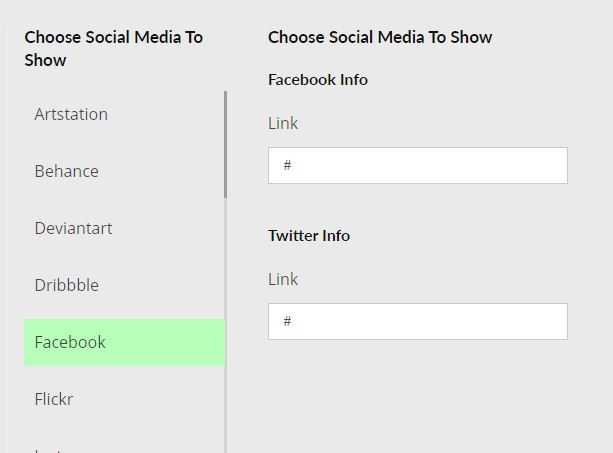
- Select the Social Media that you want to show and add your info.
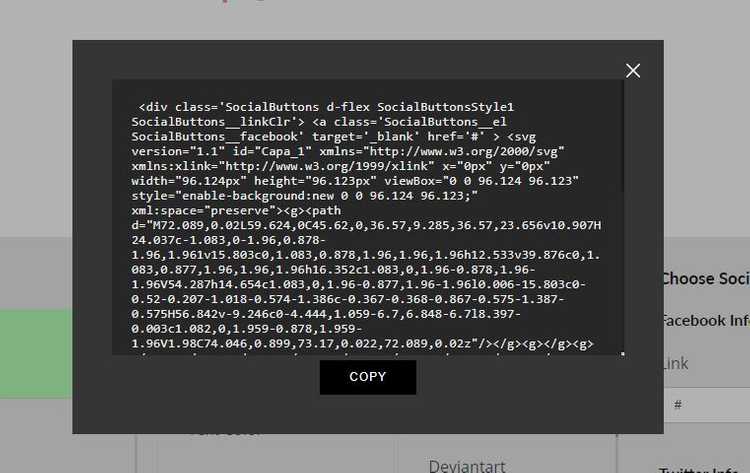
- Click on Get Code, a popup will open with your code, click on Copy to copy all code.
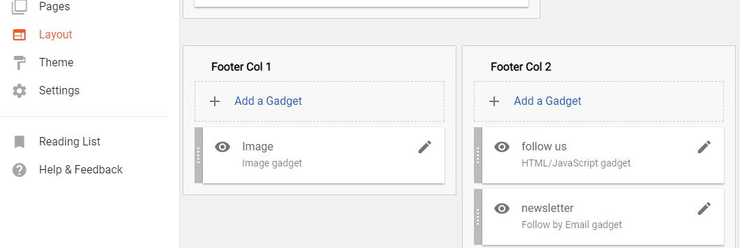
- Go to your Blogger Dashboard > Layout, click on Add a Gadget wherever you want to add your social media buttons.
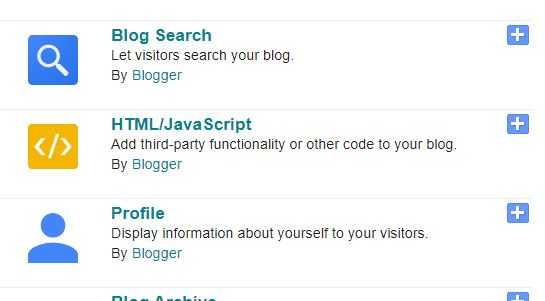
- From the widgets window opened, select HTML/Javascript.
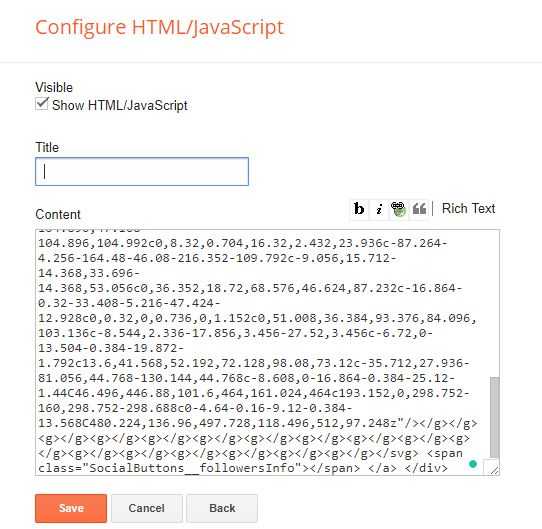
- Paste the code inside the Content field and click Save.
- Refresh your website to see the result.